Hello all, attached are my four mp3 files, including the original and edited versions of tutorial one, as well as tutorials two and three.
Final Logo

Hello all, and welcome to my logo final draft post. For this project I decided to create a hypothetical logo for a subscription service that provides pet foods and supplies. The idea is that a customer may have an app or website account set up where they are billed once a month or so to receive necessary items such as food, as well as unique extras each time such as treats or toys. The logo is supposed to be a kitten whose tail is also the letter ‘F’ beginning the brand name. In this version of this logo there is a more complete face on the kitten. I have decided not to add any legs or paws (as I felt that it would distract from the brand name). I also made significant adjustments to the tail in order to make its appearance more smooth and natural looking. On top of these changes, I made subtle alterations to the image as a whole in order to make it look more professional in its entirety. In following advice from peers, I have changed the background to a shade of off-white being that the former color was overwhelming. Another change that I made thanks to feedback was adding a subtle texture to the kitten, as well as making the stroke match for the different pieces of the kitten.
The main research that I have done for this project consists of practicing with the tutorials numerous times, as well as searching the internet for solutions to tricky tasks such as grouping objects together to be able to move them as one. The elements used in this project were greatly important being that illustrator uses lines and shapes rather than images (for the most part). Because of this, the attention to each anchor point and line segment was crucial.
In order to create the elements in this logo draft, I heavily used the elliptical tool and the polygon tool. In creating most shapes for the kitten, I would either use the elliptical and then the direct selection tool to adjust its anchor points; or the polygon tool (followed by indicating how many sides I wish for the polygon to have).
One of the only (major) issues that I have encountered was finding a way to fold the ears on the kitten. In order to overcome this obstacle, I simply searched adobe forums for a similar question. In doing so, I was led to a solution as well as many other frequently asked questions regarding similar topics. This is not abnormal and is my recommendation to those who are stuck when using adobe software-before you despair, try a simple internet search.
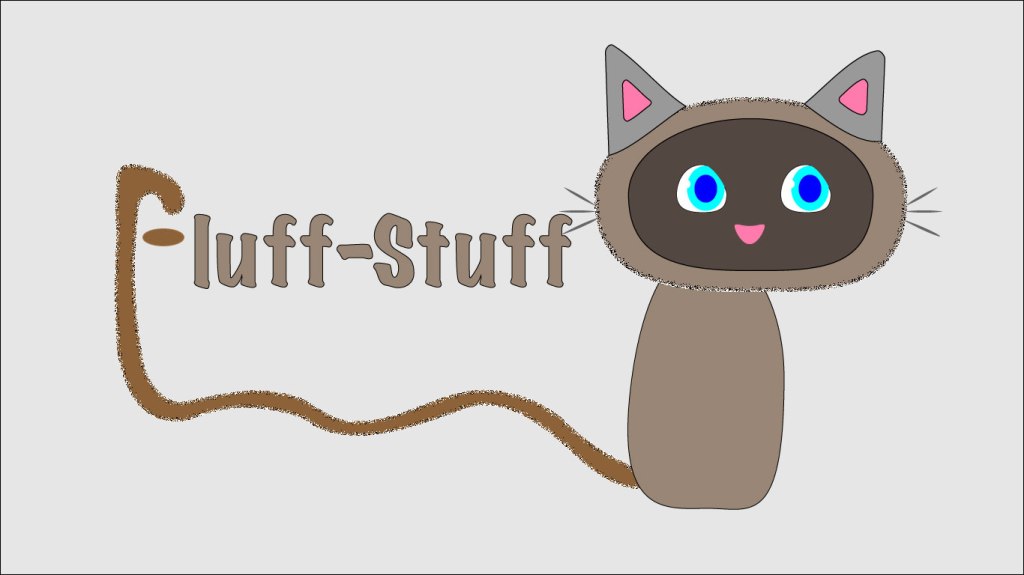
Draft logo design

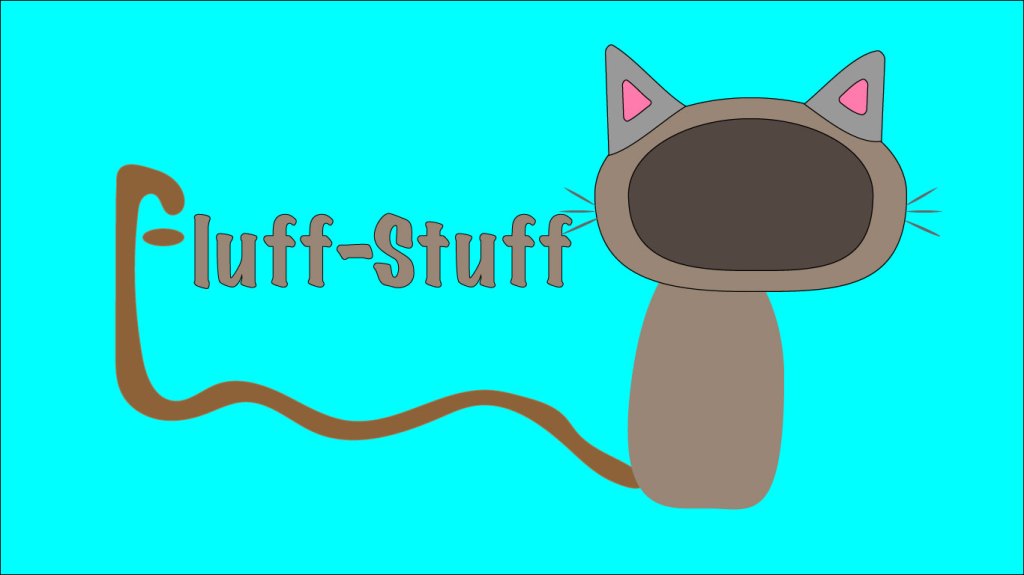
Hello all, and welcome to my logo draft post. For this project I decided to create a hypothetical logo for a subscription service that provides pet foods and supplies. The idea is that a customer may have an app or website account set up where they are billed once a month or so to receive necessary items such as food, as well as unique extras each time such as treats or toys. The logo is supposed to be a kitten whose tail is also the letter ‘F’ beginning the brand name. In the final version of this logo there will be a full face on the kitten, as well as potentially some added legs/paws (I have not decided if I will be adding legs or not as to not distract from the important aspect of the logo which is the brand name). I also plan to tweak the angles of the tail significantly in order to make its appearance more smooth and natural looking. On top of these changes, I plan to make subtle alterations to the image as a whole in order to make it look more professional in its entirety.
The main research that I have done for this project consists of practicing with the tutorials numerous times, as well as searching the internet for solutions to tricky tasks such as grouping objects together to be able to move them as one. The elements used in this project were greatly important being that illustrator uses lines and shapes rather than images (for the most part). Because of this, the attention to each anchor point and line segment was crucial.
In order to create the elements in this logo draft, I heavily used the elliptical tool and the polygon tool. In creating most shapes for the kitten, I would either use the elliptical and then the direct selection tool to adjust its anchor points; or the polygon tool (followed by indicating how many sides I wish for the polygon to have).
One of the only (major) issues that I have encountered was finding a way to fold the ears on the kitten. In order to overcome this obstacle, I simply searched adobe forums for a similar question. In doing so, I was led to a solution as well as many other frequently asked questions regarding similar topics. This is not abnormal and is my recommendation to those who are stuck when using adobe software-before you despair, try a simple internet search.
Illustrator Tutorials

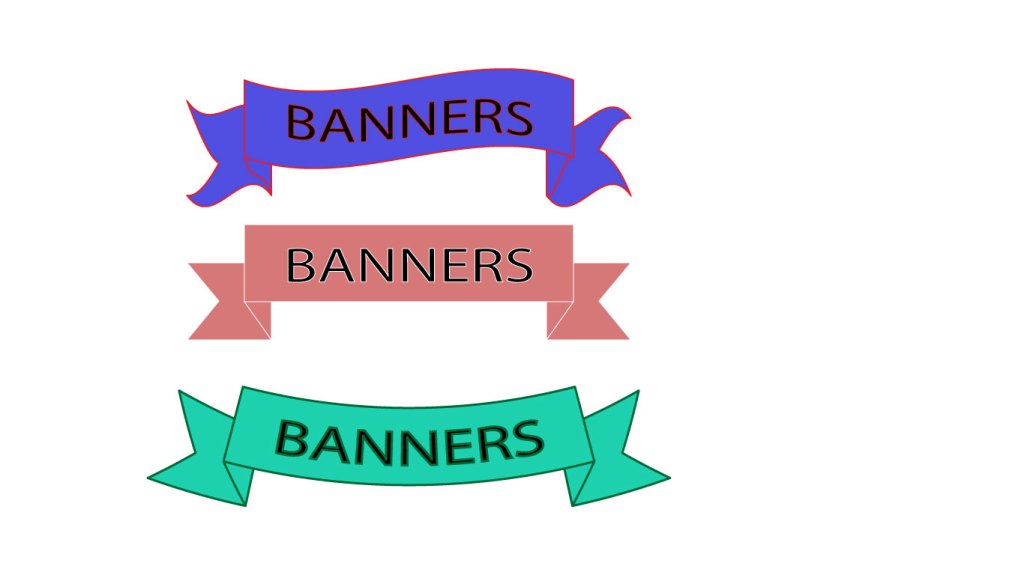
Hello everyone, attached to this post you will find a copy of each of the five tutorials assigned for illustrator, I hope you enjoy!


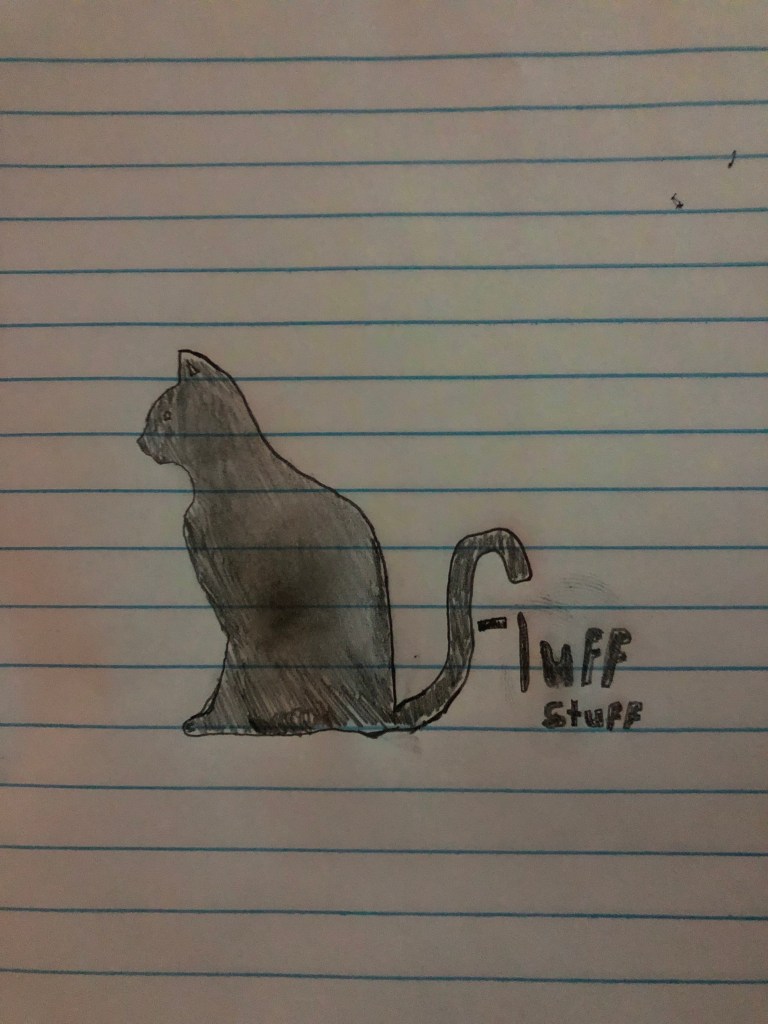
“Fluff Stuff”: logo sketch

Hello all, attached is a sketch of what I plan to create for my logo! My product is a monthly subscription through which a customer would receive necessary supplies for taking care of a kitten/cat a month, as well as additional items such as treats and toys.
 Steven's Blog